CONTROL Resonant PC Performance: Requirements & Graphics Settings
 By Wilma Höglund
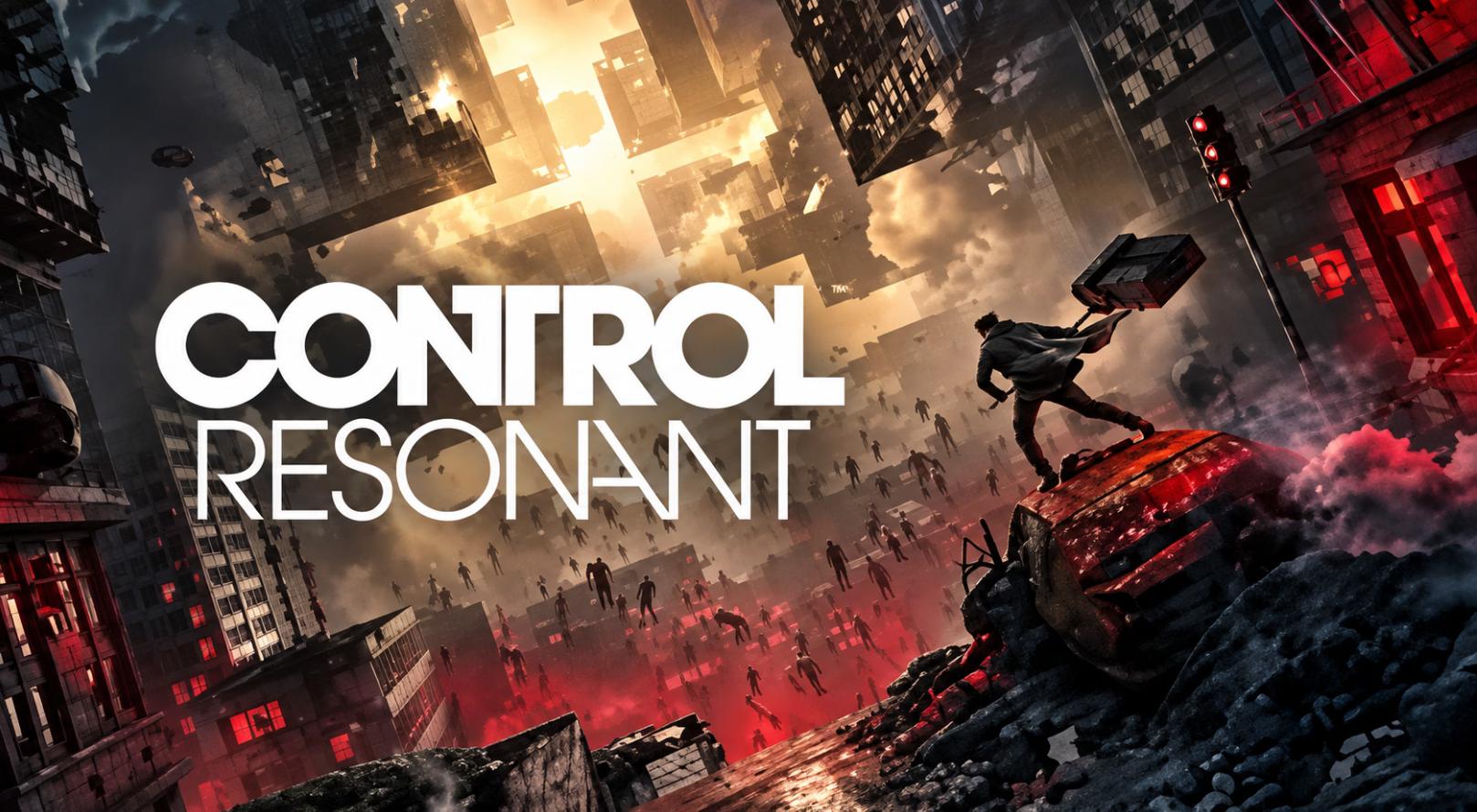
CONTROL Resonant is shaping up to be a demanding PC game, but its final system requirements are more flexible than the visuals might suggest. Remedy Entertainment has published six performance tiers covering standard rendering, ray tracing, and path tracing, giving PC players a much clearer idea of what hardware they will need.
The important detail is that every official performance target uses an upscaler preset. The minimum target is 1080p at 30 FPS with Low settings and Quality upscaling, while the recommended target is 1440p at 60 FPS with Medium settings and Balanced upscaling. At the high end, Remedy targets 4K at 60 FPS with High settings and Performance upscaling.
That makes CONTROL Resonant a particularly interesting PC game for players with different levels of hardware. You don't necessarily need a flagship GPU to play it, but getting the most out of its ray tracing and path tracing features requires considerably more powerful hardware.

CONTROL Resonant PC System Requirements
Remedy's final specifications are divided into three standard-rendering tiers and three ray-tracing/path-tracing tiers. All six configurations require 16GB of RAM, Windows 10/11 64-bit, and an SSD, with the final requirement listing 120GB of storage.
Target | Resolution / FPS | Graphics | Upscaling | GPU | CPU | VRAM |
Minimum | 1080p / 30 FPS | Low | Quality | GTX 1070 / RX 5600 XT / Arc A580 | i5-8500 / Ryzen 5 3500 | 6GB |
Recommended | 1440p / 60 FPS | Medium | Balanced | RTX 3060 Ti / RX 6700 XT / Arc B580 | i7-10700 / Ryzen 7 3700X | 8GB |
Enthusiast | 4K / 60 FPS | High | Performance | RTX 3080 / RX 6800 XT | i7-10700 / Ryzen 7 3700X | 10GB |
RT Minimum | 1080p / 30 FPS | Low | Quality | RTX 2060 Super / RX 6600 / Arc A580 | i7-8700K / Ryzen 5 3600X | 8GB |
RT Recommended | 1440p / 60 FPS | Medium | Balanced | RTX 4070 Ti / RX 9070 | i7-10700 / Ryzen 7 3700X | 10GB |
Path Tracing Enthusiast | 4K / 60 FPS | High | Performance | RTX 5080 | i7-10700 / Ryzen 7 3700X | 12GB |
These are Remedy's official performance targets, rather than independent benchmark results. The difference matters because the game has not yet reached its September 24, 2026 release date, so final retail performance across a wide range of PC configurations cannot yet be judged from these specifications alone.
The baseline minimum set-up is about as accessible as any native PC PC game. A GTX 1070/RX 5600 XT/Arc A580 alongside 16GB of RAM is required for Remedy's low (30FPS/1080p) specification, where quality upscaling is bundled in and not an optional add-on.
Stepping up to the mid-tier, which would provide a better (i.e., more playable) 1440p experience, requires a minimum of an RTX 3060 Ti / RX 6700 XT / Arc B580 alongside an i7-10700 or Ryzen 7 3700X for Remedy's medium (60fps/1440p) target with Balanced upscaling, but not with ray-tracing.
The enthusiast rasterized target is significantly more demanding. Reaching 4K/60 FPS at High settings calls for an RTX 3080 or RX 6800 XT and Performance upscaling.
What Makes CONTROL Resonant So Demanding?
The visual technology is one of the biggest reasons the hardware requirements climb so quickly.
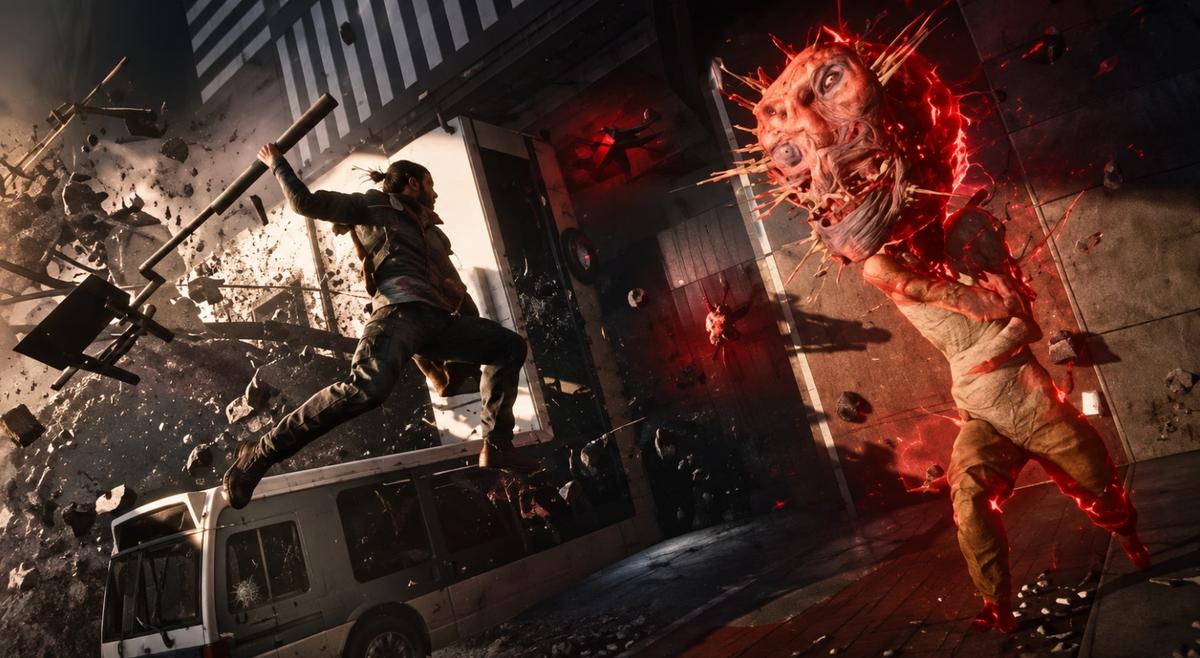
CONTROL Resonant uses Remedy's Northlight technology to create highly detailed environments, large-scale destruction, unusual lighting, and reality-bending spaces. The sequel also supports ray tracing and path tracing, while NVIDIA DLSS 4.5 and AMD FSR 4.1 are supported at launch.
The game is also moving toward faster action and more dynamic environments. Dylan's shapeshifting Aberrant weapon, elemental abilities, and environmental interactions all contribute to encounters where the player is constantly moving through detailed spaces. Steam's official description highlights the game's combination of environmental interaction, elemental abilities, and the morphing Aberrant weapon.
This means performance of the GPU should be crucial, and CPUs still ramp up considerably in the upper levels. It uses an i7-10700/Ryzen 7 3700X for a standard 4K/60 frame rate; the minimum ray tracing setup requirement increases to i7-8700K/ Ryzen 5 3600X. The game designers, on the contrary, tried to make it playable on a variety of configurations, as mentioned by the minimum settings: Good thing.
Best Graphics Settings for 1080p
If your pc is near minimum specs, you'd be best off starting out at Low with Quality upscaling. These represent Remedy's own minimums: 1080p 30FPS with either a GTX 1070, RX 5600 XT, or a brand new Arc A580. I would not turn on RT straight away at these specs; it recommends a much faster CPU and at least an RTX 2060 Super, RX 6600, or brand-new Arc A580 for Ray tracing minimum, and even then it's only targeting 1080p30.
If your GPU is slightly faster but you can't keep a stable frame rate, it will always be best to turn off high-end settings before lowering resolution, while at the same time playing with your upscaling settings before dropping to native resolution.
With this style of game being mostly very high speed, on a hardware level, stable FPS seems quite a bit more beneficial than seeing those maximum settings pushed as far as they can go.
Best Graphics Settings for 1440p
For a 1440p experience, the Official Recommendation is likely aiming for where they see the best performance as a starting point.
Remedy suggests the same three GPUs (RTX 3060 Ti, RX 6700 XT, or Arc B580) as the base and uses an i7 10700 / Ryzen 7 3700 X to go along with. It recommends playing at 60 FPS using Medium quality, Balanced resolution upscaling, and without Ray tracing enabled.
This is one of the best use-cases we're seeing on this list, specifically for mid-range gaming rigs.
Instead of flipping ray tracing on and giving up performance, get all of the frametimes in the mid-40s for Normal, make sure nothing jitters on you mid-action while in or out of combat on each character's normal loadout, and from there figure out exactly how much breathing room you've got to turn individual settings up with what's left.
If you have a significantly stronger GPU, you can also increase selected visual settings while keeping the upscaler at Balanced. That can provide a better image-quality/performance balance than simply switching everything to a higher preset.
Best Graphics Settings for 4K
4K is where CONTROL Resonant becomes much more demanding.
The official non-ray-traced 4K target calls for an RTX 3080 or RX 6800 XT, an i7-10700 or Ryzen 7 3700X, and 10GB of VRAM. The target is 60 FPS at High settings using Performance upscaling.
This is an important detail because it means native 4K is not what Remedy's official 4K target is based on. Upscaling is part of the recommended configuration.
For a 4K display, I would therefore treat the Performance upscaler as a starting point rather than something to avoid automatically. The final image quality can vary depending on the reconstruction technology and scene, so players should test the available modes on their own hardware.
If you have an RTX 40- or RTX 50-series GPU, DLSS provides another option. NVIDIA's newer DLSS 4.5 technology is supported, including Ray Reconstruction, while AMD FSR 4.1 is also supported at launch.
Should You Enable Ray Tracing?
Hardware requirements escalate quite significantly with Ray Tracing.
To even target ray tracing on the lowest settings (Remedy is also suggesting an RTX 2060 Super/RX 6600/ Arc A580 processor, besides the stuff above) using just 1080p/30fps with the target specs set to Low with Quality Upscaling enabled (and Low RT),
your ray tracing recommendation jumps to RTX 4070 Ti / RX 9070 to maintain 60fps in 1440p at medium RT settings with a balanced upscaler:
A massive step above the typical recommended 1440p specifications.
Hands-on testing also indicates Ray Tracing can be particularly taxing. For example, when reviewing an early build, Tech Radar reported their RTX 5090 was smooth under 4k, High RT, DLSS 4.5 Performance upscaling, though it had drops in particularly taxing situations. Since this was tested before launch, it remains a look-in rather than the finished article.

What About Path Tracing?
Path tracing is effectively the enthusiast option.
Remedy's highest official tier targets 4K/60 FPS with High graphics, High path tracing, and Performance upscaling, and calls for an RTX 5080 with 12GB of VRAM.
That's a very challenging target and should not be mistaken for the hardware necessary to just run the game. If stable 60 FPS is your target and not ultra max settings, it might be a far more sensible use of the hardware with native rendering or "traditional" ray tracing; Path tracing only seems realistic for those with the best hardware available that truly want to take every step possible with lighting and reflection.
Which Settings Should You Prioritize?
My personal order of tweaking those settings, with the primary objective being maximizing performance, would be:
1. First I'd settle on what resolution and frame rate I was aiming for. Instead of selecting the highest preset, just make a decision between 1080p/60, 1440p/60, or 4K/60.
2. Make a compromise with upscaling modes. If the games already aim for upscaled quality, Balanced or Performance with hardware tiering, why not take the compromise here as well?
3. Then assess whether the performance gain from disabling RT is worth it for you. If enabling ray tracing is tanking your frame rate, you would see way more of an improvement by just disabling it for better responsiveness.
This approach is particularly useful for CONTROL Resonant because the official requirements show just how much the performance target changes between standard rendering, ray tracing, and path tracing.
How Much Storage Does CONTROL Resonant Need?
Make sure you have enough SSD space before installing the game.
The final official requirements list 120GB of available SSD storage across the performance tiers.
An SSD is specifically required, so this is not a game where an older mechanical hard drive should be treated as an equivalent alternative.
If you are close to your drive's capacity limit, it is also worth leaving some additional free space rather than planning around exactly 120GB.
Compare CONTROL Resonant Prices Before Buying
If you're planning to play CONTROL Resonant on PC, checking the game's price across different sellers can be worthwhile before purchasing.
PriceRadar is a game key price comparison website, not a game key seller or retailer. It allows users to compare Steam key prices from different sellers, making it easier to find deals rather than purchasing directly from PriceRadar.
You can compare CONTROL Resonant Steam key prices on the dedicated comparison page and check how different offers stack up.
The site's price history details can be helpful if you are trying to judge if this deal is one you cannot miss or if you'd be better off waiting. It is particularly handy with PC game requirements and when you do or don't have the required hardware to run it.
Conclusion
CONTROL Resonant has a surprisingly broad range of PC requirements.
Lowest setting for Remedy aims for 1080p/30fps at a GTX 1070, RX 5600 XT, or Arc A580 at Low/Quality, while Recommended aims for1440p/60fpsat an RTX 3060 Ti, RX 6700 XT, or Arc B580 at Medium/Balanced. It gets complicated as soon as ray-tracing/path-tracing get introduced, as RT is recommended at RT on RTX 4070TiorRX 9070but4K/60fps at RT on/path tracing looks to want an RTX 5080 to achieve it. So the best plan is likely still to make sure you get stable fps, choose the right Upscale preset, and only enable ray tracing if you have a beastly rig.
And because the game launches on September 24, 2026, final retail benchmarks across a wider range of CPUs and GPUs will be more useful than pre-release estimates once the game is actually available.
In the meantime, Remedy's official specifications provide a solid baseline: 16GB RAM, an SSD, and a GPU appropriate for your target resolution are the most important starting points.
Games Mentioned
Related Articles
CONTROL Resonant vs Alan Wake 2: Which Remedy Game Should You Play
guides
CONTROL Resonant Hands-On Experience: What the New Gameplay Is Really Like
guides
Phantom Blade Zero PC System Requirements: Minimum, Recommended, Ray Tracing & Path Tracing
guides
Echoes of Aincrad System Requirements
guides